01
AI Powered
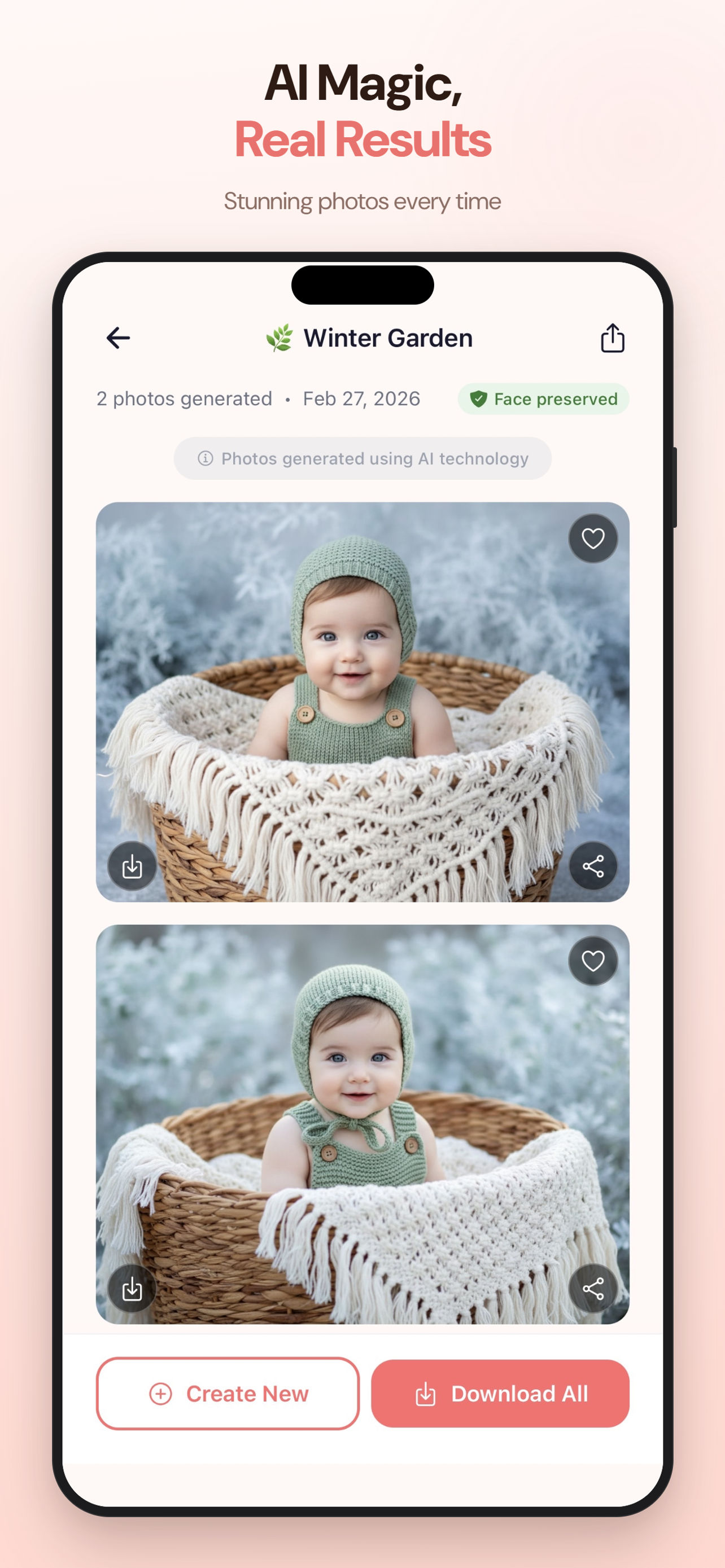
Google’s latest Gemini AI rebuilds the scene around your child with remarkable accuracy and studio quality detail.
 Download free
One photo. One tap. A full themed photoshoot in thirty seconds. Your child’s real face stays pixel perfect while the AI rebuilds the scene, the outfit and the lighting around them.




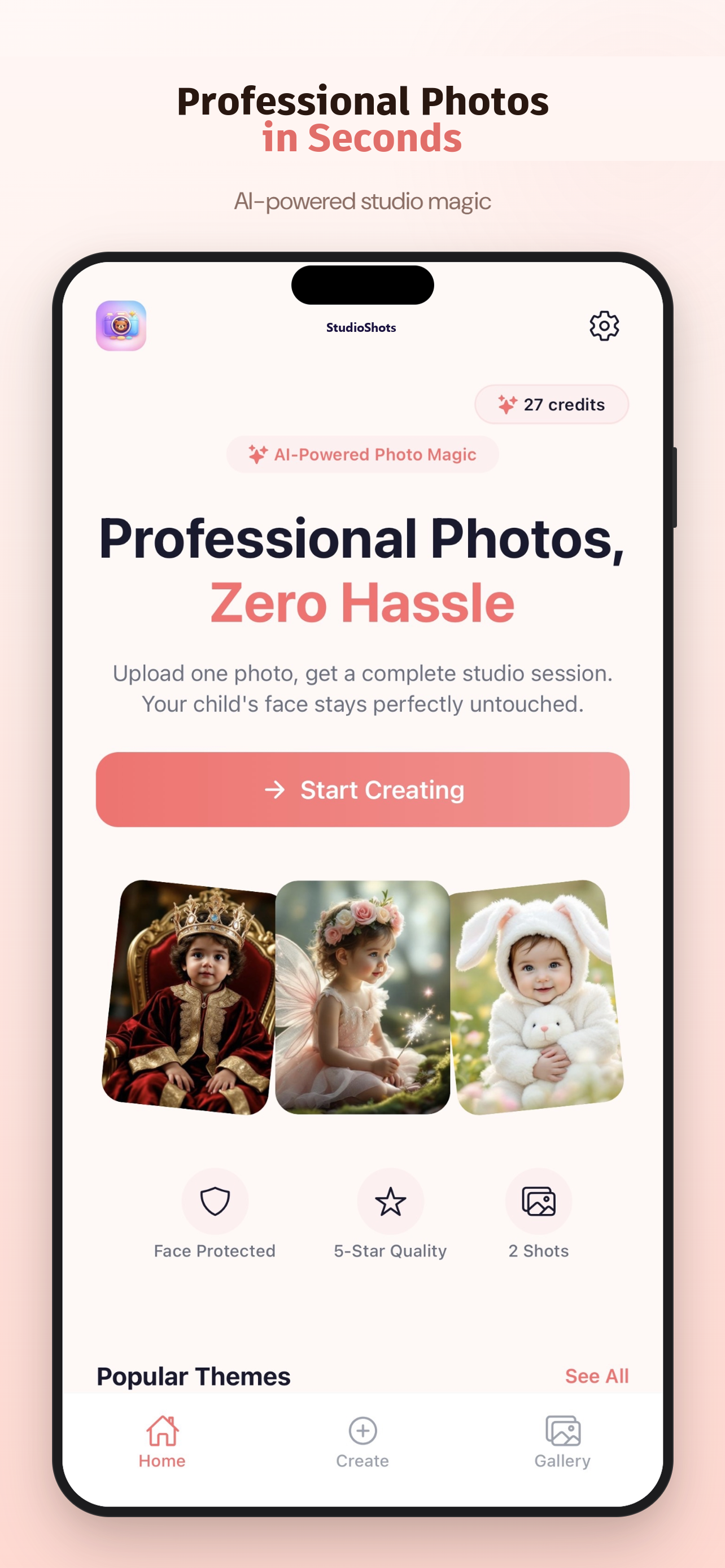
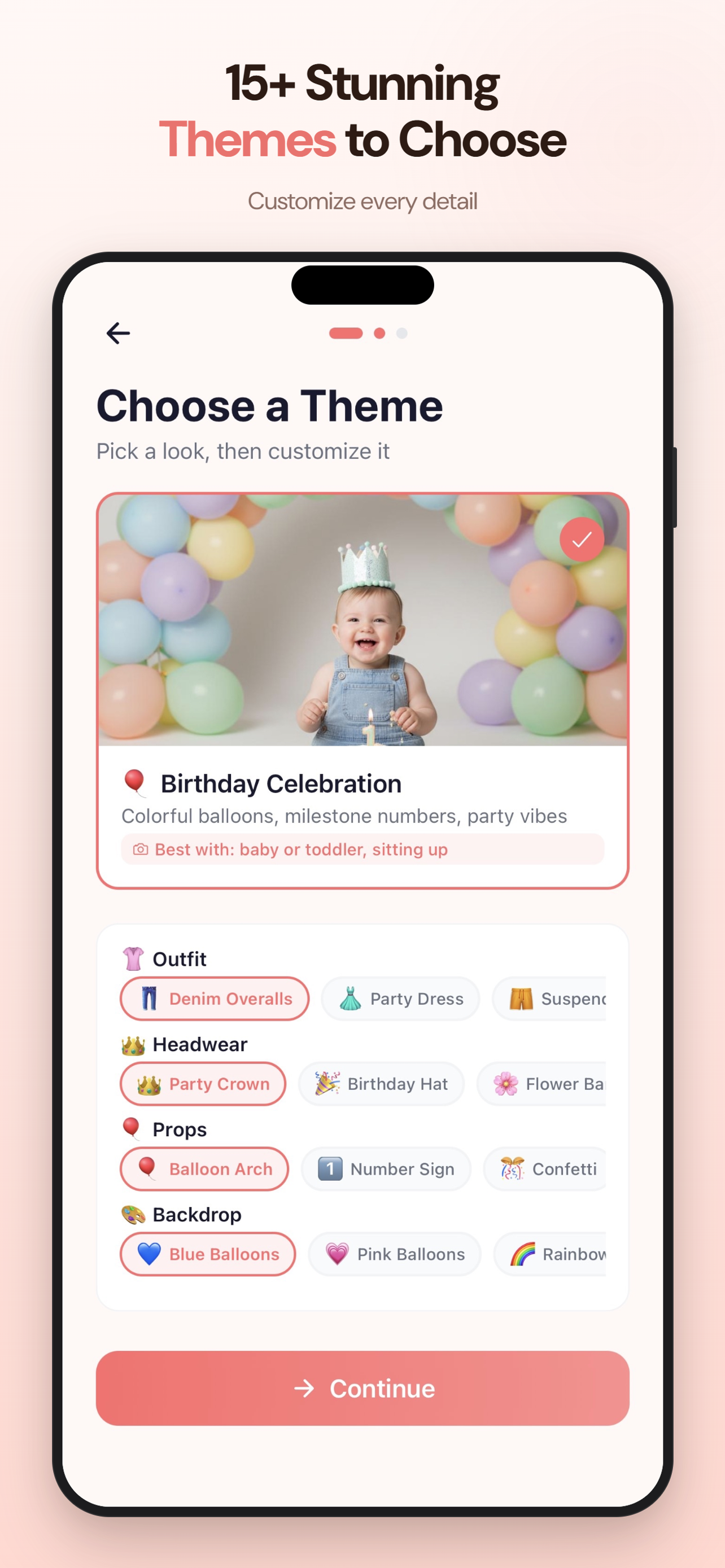
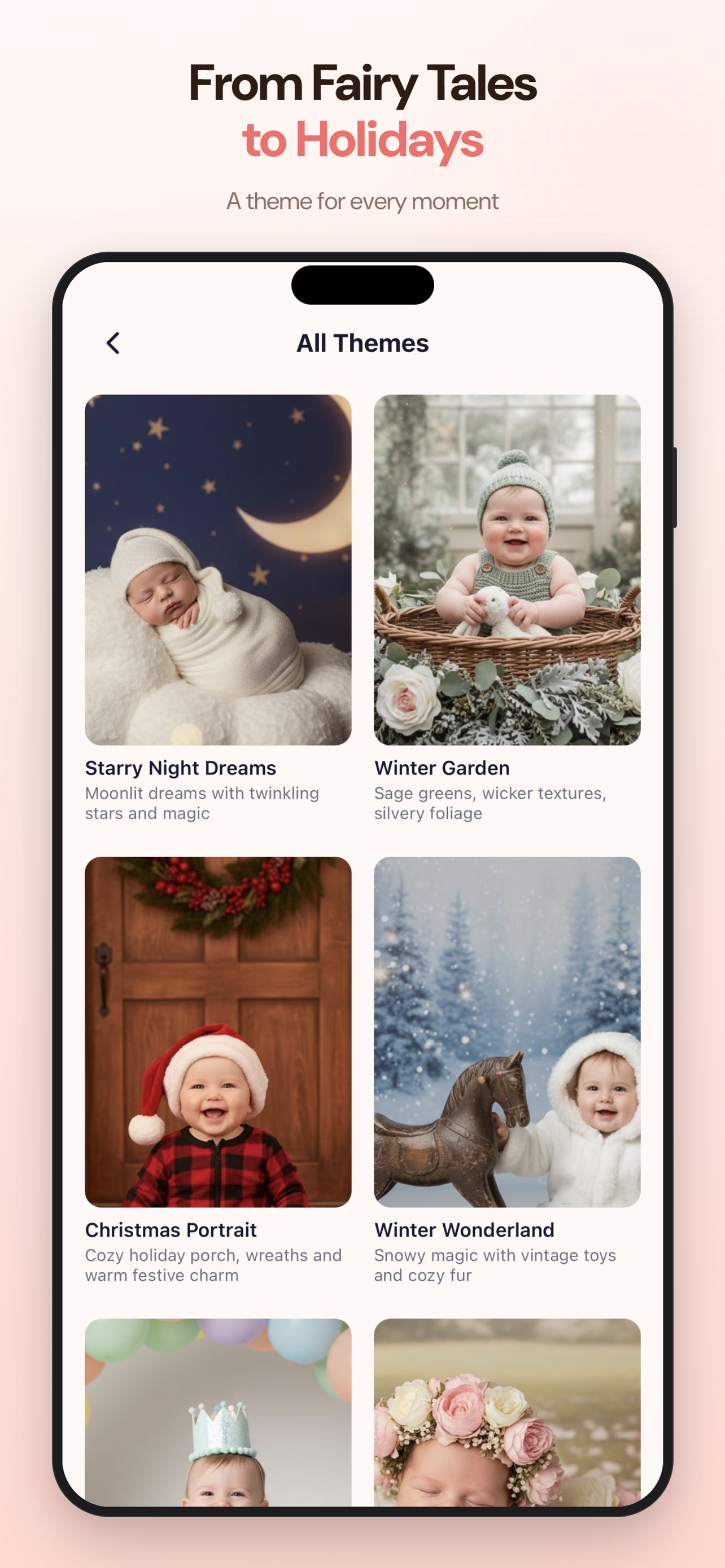
From cozy newborn rooms to safari adventures, every theme is hand crafted for kids. Hover to see them up close.
No studio appointments. No booking fees. No outfit changes at three in the afternoon. Just a phone, a photo, and a few magical taps.
Google’s latest Gemini AI rebuilds the scene around your child with remarkable accuracy and studio quality detail.
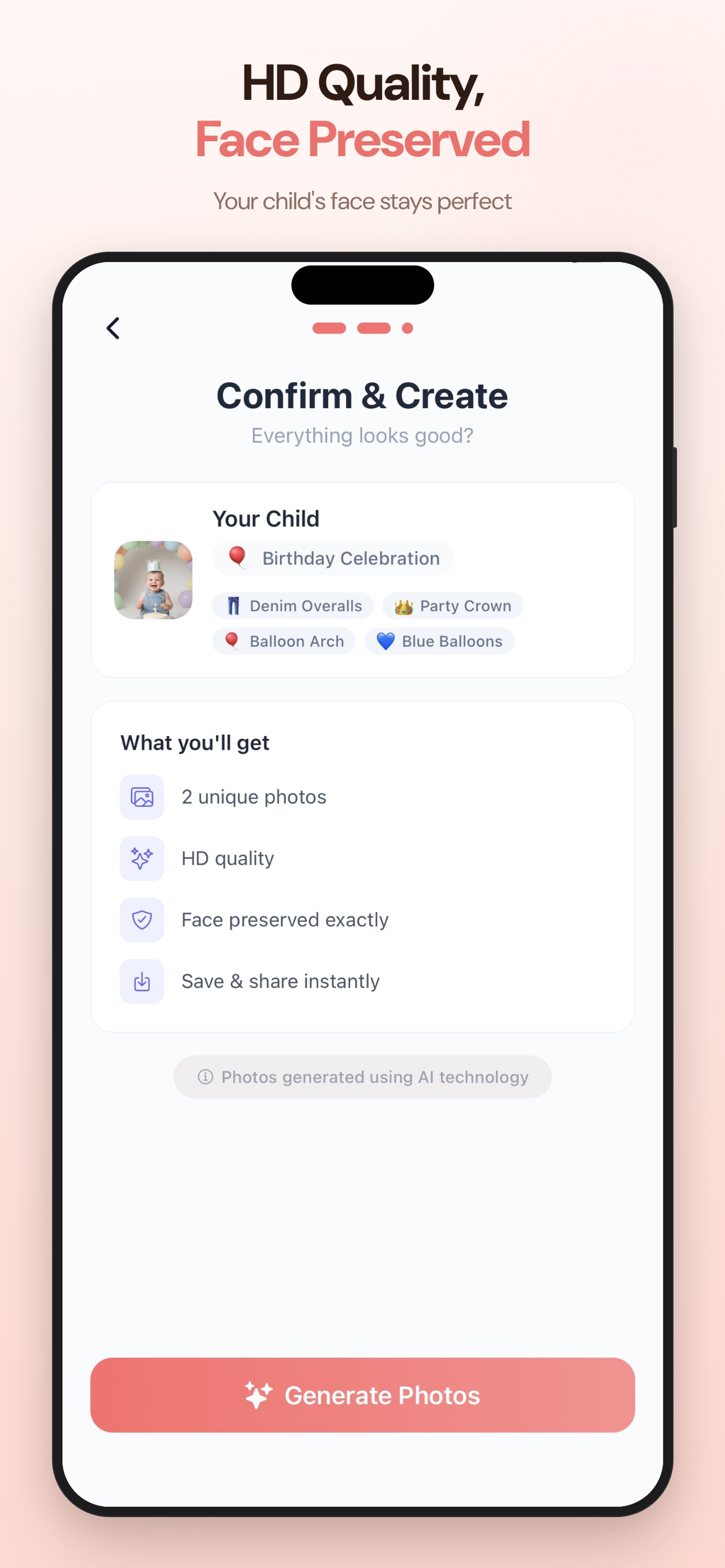
Your child’s real face is preserved pixel for pixel. Only the background, outfit and lighting change. Grandma will recognize them instantly.
No appointments, no travel, no cranky kids. Upload, tap, and a finished session lands in your gallery before the kettle boils.
Fairy princess, superhero, milestones, holidays, family portraits. A theme for every season, every stage, every milestone moment.
Photos processed securely · COPPA compliant · Never shared with third parties

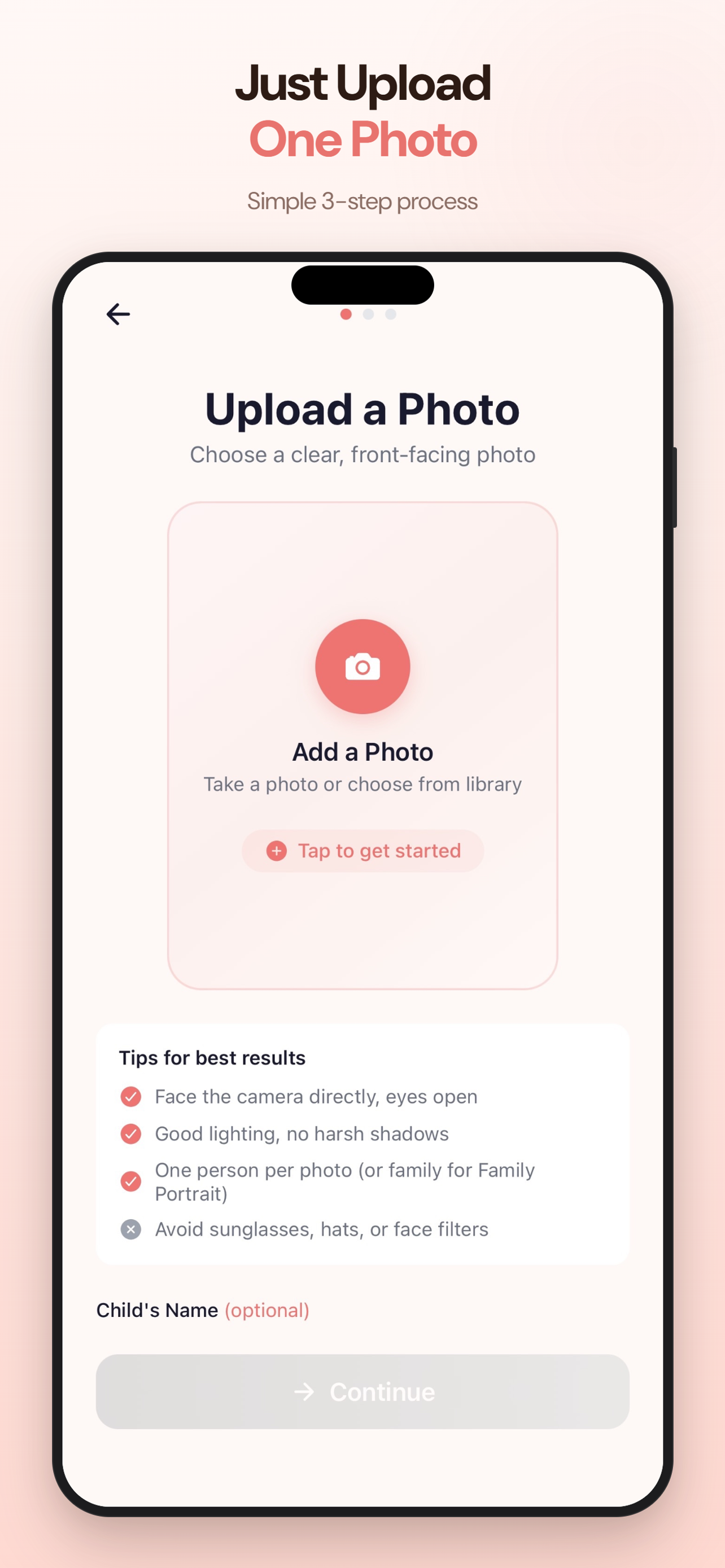
Pick any clear photo of your child from your camera roll. A casual phone snap works perfectly. No professional setup needed.

Browse 20+ magical themes, from fairy tales and milestones to family portraits, holidays and dreamy nature scenes.

The AI creates two stunning HD portraits in seconds. Save them, share them, print them. They are yours forever.
Each theme is hand crafted for kids: soft lighting, age appropriate scenes, real studio quality detail.

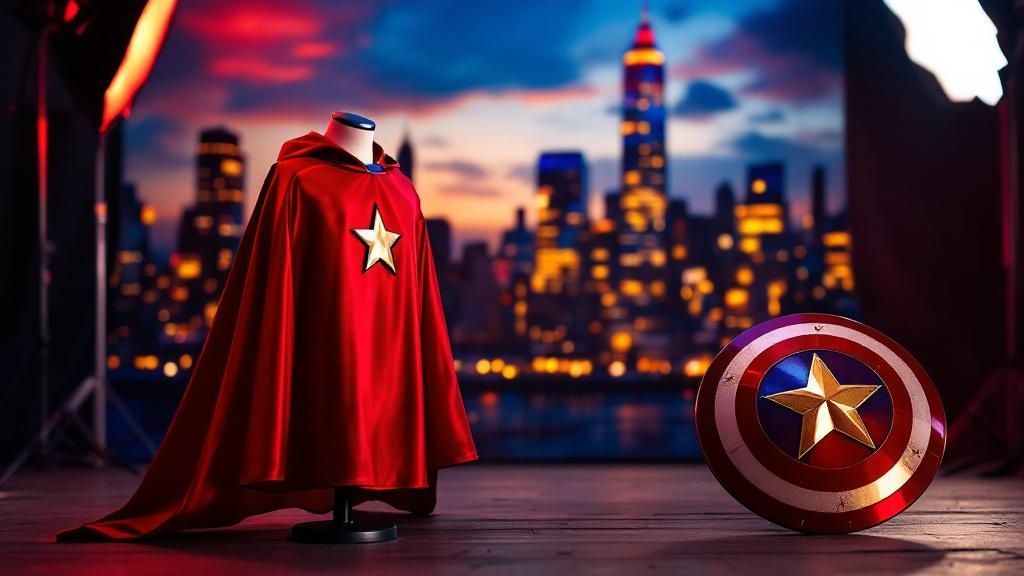















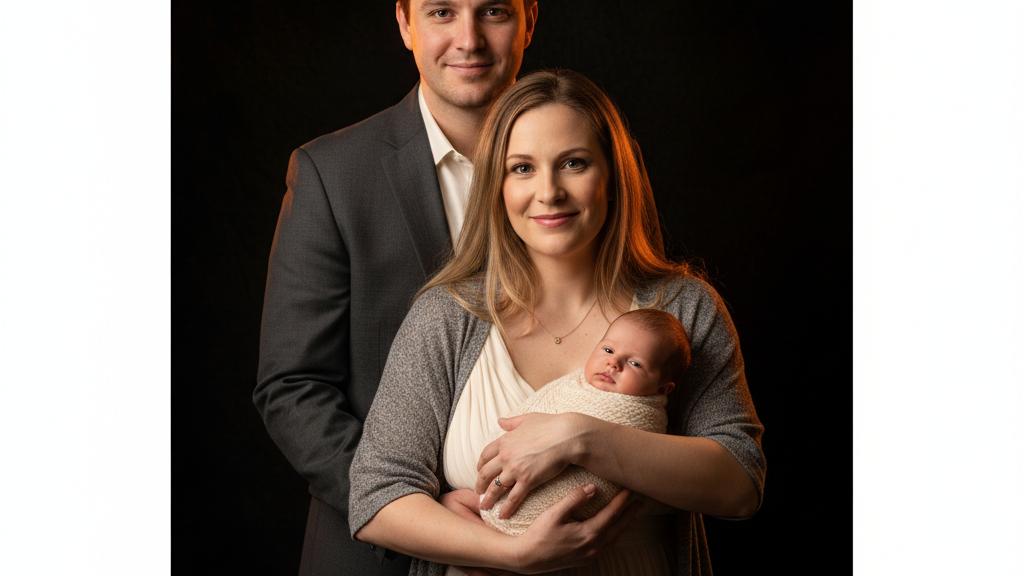
New themes added regularly · Easter, summer, holidays and seasonal drops
Big tap targets. Calm colors. Zero learning curve. Built so you can use it one handed at two in the morning.
Your child’s safety is our top priority. Every feature is designed with parents in mind.
Fully compliant with the Children’s Online Privacy Protection Act from day one.
Processed in real time and immediately discarded. Never used for training, never shared.
Designed for parents and guardians. Children never interact with the app directly.
One tap to permanently erase all your data. Immediate. Irreversible. No questions asked.
Zero advertisements. Zero behavioral tracking. Zero data selling. Ever.
All AI generated photos are clearly labeled with badges so you always know what is real.
★★★★★“Did our one year old’s birthday card photoshoot in the carpool line. Grandma actually cried.”
★★★★★“I was skeptical about AI on my baby’s face. Her face is exactly her. Only the background and outfit changed.”
★★★★★“Canceled our Christmas portrait studio. Did all four kids in the kitchen. Studio quality, zero meltdowns.”
Download the app and get your first credit free. No commitment required.
1 free credit included
2 portraits, try a theme
10 portraits · $0.70 each
20 credits every month
Auto renewable subscription. Cancel anytime in Settings. All purchases through Apple’s secure in app purchase system.
Absolutely. Photos are transmitted via encrypted connections, processed in real time, and immediately discarded. They are never stored by the AI, never used for training, and never shared. Your photos stay in your private gallery where only you can access them.
StudioShots uses Google’s Gemini AI to generate themed portraits. The AI preserves your child’s actual face while transforming the background, outfit, and setting. The result looks like a real studio photo, because the face is real.
Any clear photo where your child’s face is visible. Good lighting helps. A casual selfie or phone snap works perfectly. No professional photography required.
Yes. All portraits are HD quality. Download them and print, share on social media, make holiday cards or gifts for grandparents. They are yours to use however you like.
Each credit generates 2 unique AI portraits. A 1 credit pack equals 2 portraits. A 5 credit pack equals 10 portraits. Your first credit is free.
Yes. Tap “Delete My Data” in Settings to permanently erase all photos, sessions, and account info in one tap. You can also email us. It is immediate and irreversible.
The Monthly Pro plan at $17.99 per month gives you 20 credits each month. It auto renews via Apple. You can cancel anytime in your iPhone Settings, Subscriptions. Unused credits roll over, you never lose them.
Ready when you are
Download StudioShots and turn everyday photos into portraits worth framing. Your first credit is on us.
Free on the App Store · Works on iPhone & iPad